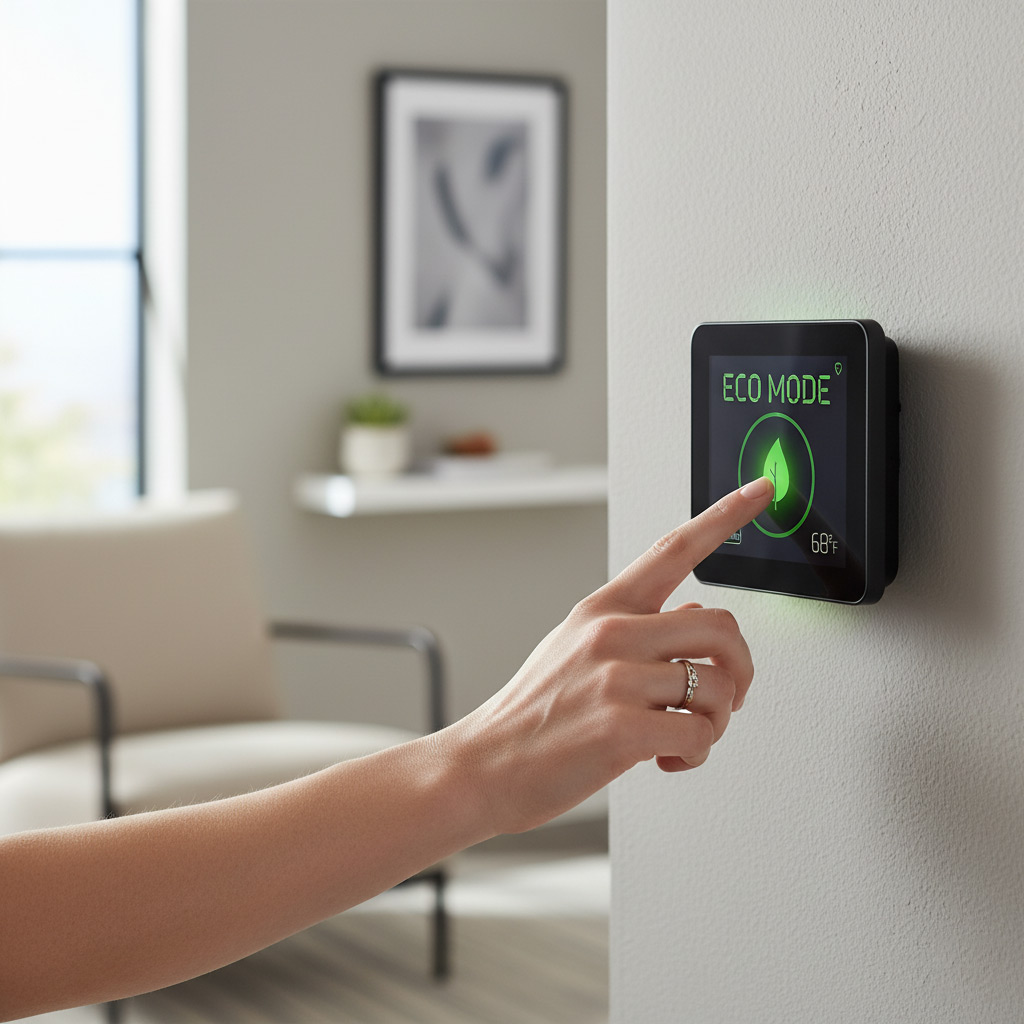
Picture this: you walk into your living room and the air feels just right, the lights dim to match the sunset, and your phone buzzes with a note that the system just ran a self‑check and everything’s green.
That’s the daily reality for the savvy Murfreesboro homeowner who has turned a regular HVAC setup into a smart, responsive partner. They’ve swapped guesswork for data, letting sensors and apps dictate when to crank up the heat, cool the basement, or shut down an idle zone.
The payoff isn’t just a comfy house—it’s a noticeable dip in monthly bills, fewer surprise breakdowns, and a system that actually lasts longer because it never works harder than it has to.
Ready to discover the exact moves these locals make to get that level of control? Keep reading and you’ll see how to bring the same edge to your own home.
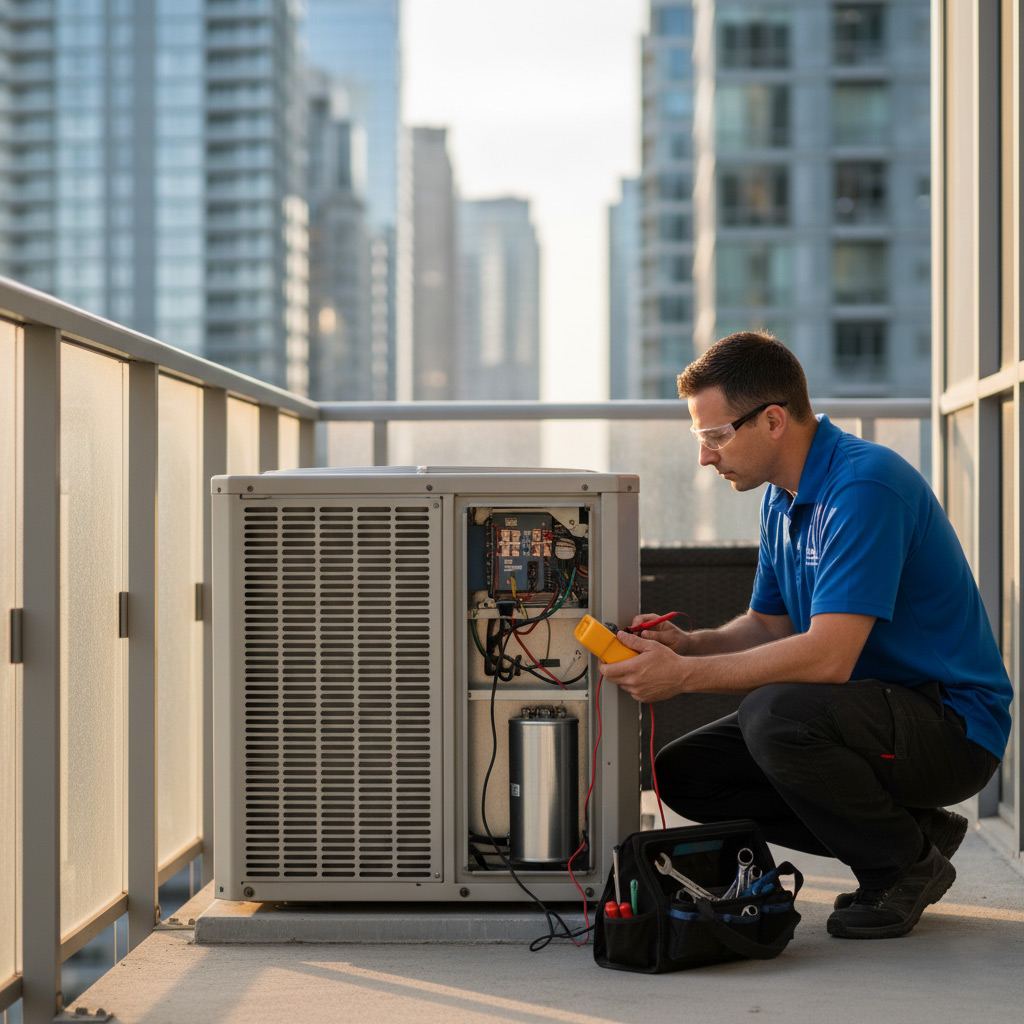
Understanding Smart HVAC Fundamentals for Murfreesboro Homes
Smart HVAC isn’t just a fancy label – it’s a set of tools that let your furnace, AC, and vents talk to you. In a town where summer heat can feel like a furnace and winter chills bite deep, having a system that knows when to kick in and when to back off saves cash and keeps comfort steady.
What makes a system “smart”?
At its core, a smart HVAC setup blends three ingredients:
- Connected hardware – thermostats, sensors, and actuators that speak Wi‑Fi or Zigbee.
- Data collection – temperature, humidity, occupancy, and even outdoor weather feeds.
- Automation logic – rules or AI that decide the right action at the right moment.
When these pieces click, you get a house that adjusts itself without you lifting a finger. The thermostat learns your schedule, the sensors spot a cold draft in the attic, and the controller tells the blower to compensate. All of that happens while you’re sipping sweet tea on your porch.
Why Murfreesboro needs a smarter approach
The local climate swings hard – scorching 90‑plus days in July and sub‑zero snaps in January. A one‑size‑fits‑all HVAC program wastes energy during those swings. Smart tech lets you:
- Target heating or cooling only where it’s needed, cutting waste.
- React instantly to a sudden front, keeping indoor temps stable.
- Spot potential problems early, like a clogged filter, before they turn into costly repairs.
Bottom line: a smart HVAC system is the quiet partner that keeps your home comfortable, your wallet happier, and your equipment running longer.
Performing a Home Energy Audit and Defining HVAC Zones
Why a Home Energy Audit Matters
Before you start buying gadgets, you need to know where your house leaks heat or cool air. A quick audit shows you the exact spots that are costing you dollars.
Key audit steps:
- Seal windows and doors with weather‑stripping.
- Check attic insulation depth; aim for 12‑inches in Murfreesboro.
- Run a blower door test or use a DIY infrared camera.
Mapping Your Home Into Zones
Once you know the weak points, split the house into logical zones. Each zone gets its own control, so you never heat an empty bedroom.
Typical zone breakdown:
- Living area – open floor, high traffic.
- Upper bedrooms – often cooler at night.
- Basement or finished lower level – tends to stay damp.
Use door registers or motorized dampers to keep air where it belongs. The result? Comfort where you need it, savings where you don’t.
Selecting the Ideal Smart Thermostat and Complementary Sensors
Thermostat Features to Look For
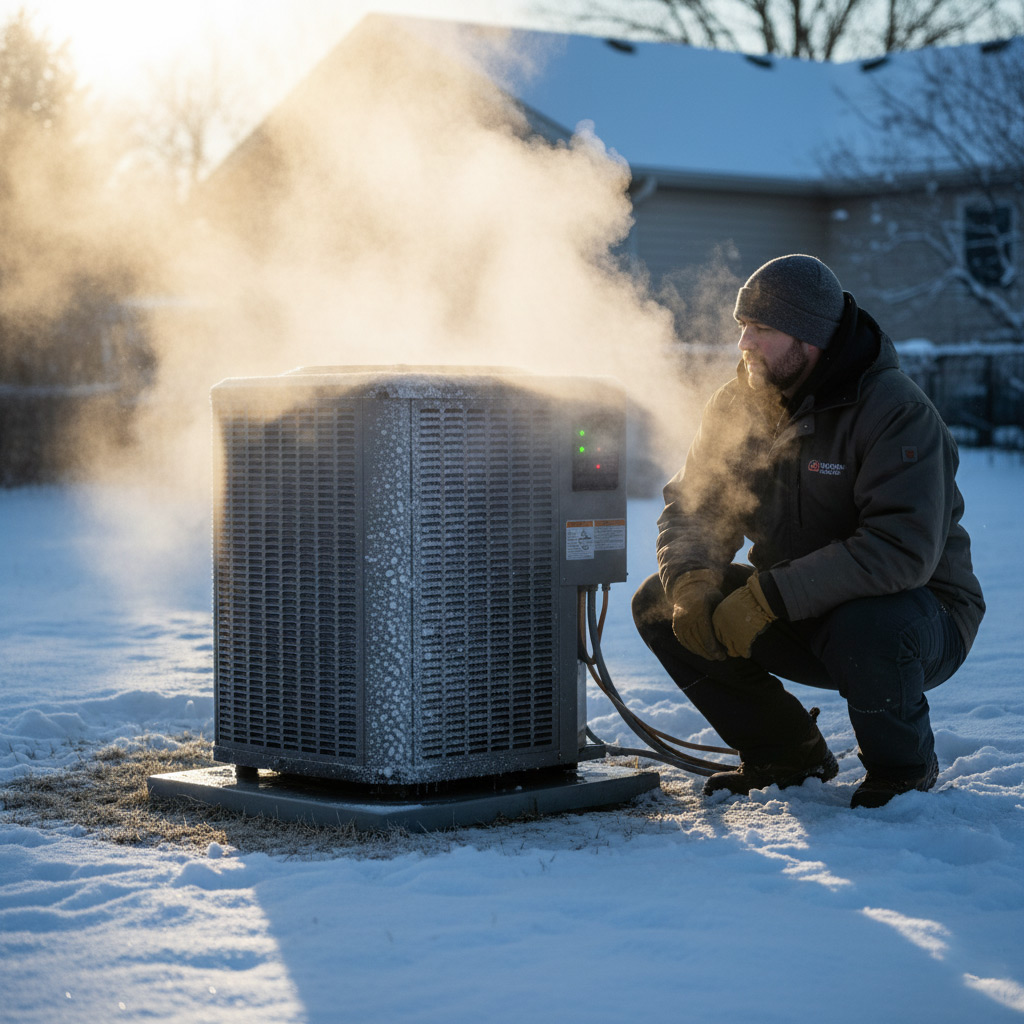
In Murfreesboro’s swing‑season climate, a thermostat that reads both indoor and outdoor temps makes a world of difference. Wi‑Fi connectivity lets you tweak settings from the porch or the office, while a clear touchscreen cuts down on guesswork.
Pick a model that supports multi‑zone control if you’ve already split your home into heating and cooling zones. That way each area gets the exact temperature it needs without dragging the whole system up or down.
- Built‑in humidity sensor – keeps basements dry and attics from getting muggy.
- Learning algorithm – remembers when you crank the heat up on chilly mornings.
- Geofencing support – knows when you’re home, when you’re not.
- Compatibility with Alexa, Google Assistant, or Apple HomeKit – voice commands become second nature.
Sensors That Make a Difference
Smart thermostats are only as good as the data they receive. Adding remote temperature probes to a sun‑lit sunroom or a chilly garage gives the controller a full picture of your house’s thermal map.
Don’t forget occupancy sensors for rooms you rarely use. They tell the system to shut off airflow where nobody’s hanging out, saving you money without sacrificing comfort.
Seamlessly Integrating HVAC with Home Automation and Voice Assistants
First, link your furnace, AC, and heat pump to a central hub—think SmartThings, Hubitat, or Home Assistant. The hub becomes the traffic cop, letting every device speak the same language. One click in the app can fire up the whole house or shut down a single zone.
Talk to Your System
Next, invite Alexa, Google Assistant, or Siri to the party. A simple “Hey Google, set the living room to 72°” does the work a thermostat used to do with a knob. Voice control frees you from the remote and makes adjustments feel natural.
Here’s a quick cheat sheet to get everything talking:
- Choose a hub that supports Zigbee or Z-Wave—most smart thermostats use one of these.
- Enable the “skill” or “action” for your voice assistant in the thermostat’s app.
- Set up routines: “Good Night” can lower the temperature, dim lights, and lock doors with one command.
- Test each scene on a phone before you hand it over to Alexa; you’ll catch mis‑wired zones early.
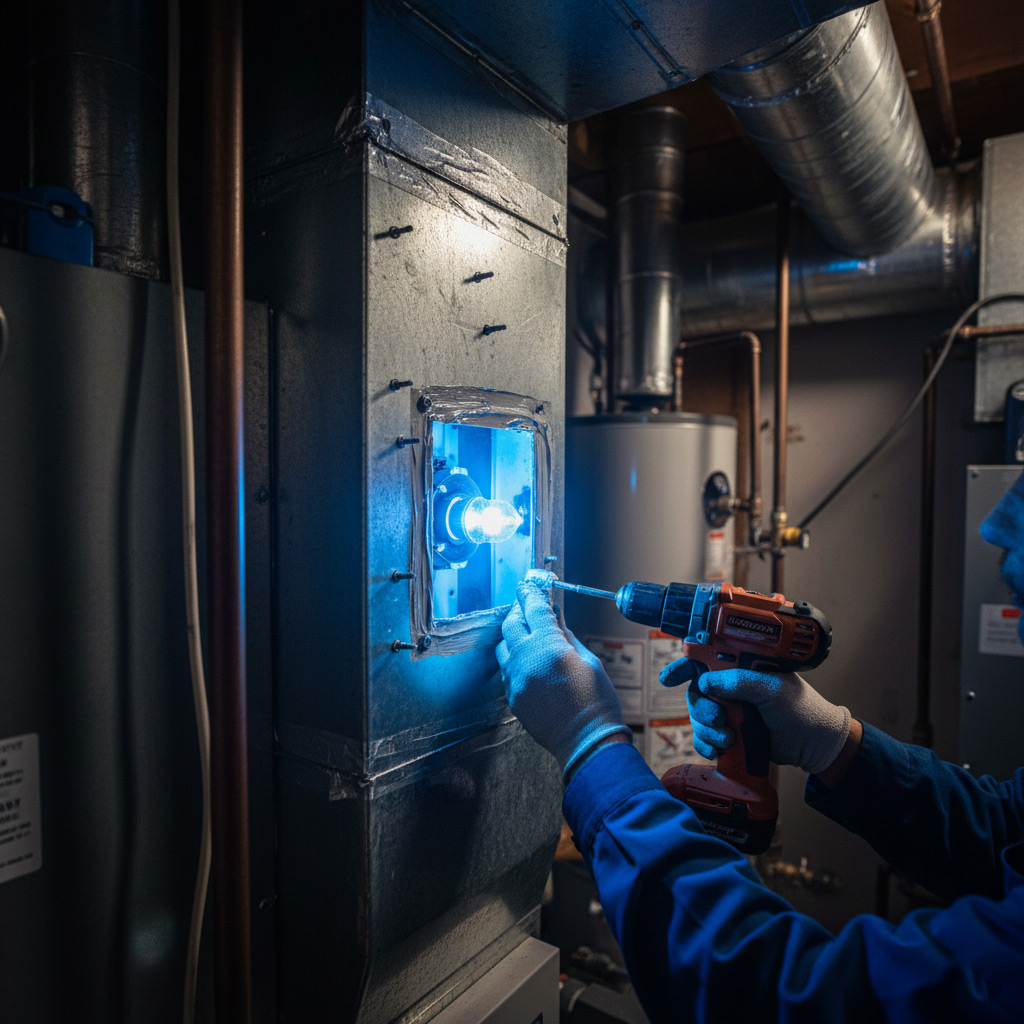
Leveraging Scheduling, Geofencing, and AI‑Driven Learning for Efficiency
Smart Scheduling: Set It and Forget It
Modern thermostats let you program daily temperature blocks in under a minute, so the house never overheats while you’re at work or under‑cools when the kids are home. Pick a schedule that mirrors your routine—wake‑up, work, dinner, bedtime—and let the system handle the rest.
Because the program lives in the cloud, you can tweak it from your phone while you’re on the road. A quick tap adjusts the night‑time set‑point without ever stepping inside the house.
Geofencing: Let Your Phone Do the Work
Geofencing uses your smartphone’s GPS to tell the HVAC when you’re approaching or leaving. The moment you step out, the system drops the temperature a few degrees; as you draw near, it ramps back up.
- Automatic start‑up before you walk through the front door.
- Energy savings when the house is empty.
- Peace of mind knowing the system reacts to real‑world movement, not just a clock.
AI‑Driven Learning: The System Gets Smarter
AI algorithms watch how you adjust the thermostat, then predict the next move. If you consistently crank the heat up at 6 a.m., the system will pre‑heat a few minutes early—no manual input needed.
These learning loops also spot odd patterns, like a sudden spike in humidity, and send a push alert so you can address a potential issue before it becomes a costly repair.
Case Study: Upgrading a Historic Murfreesboro Residence to a Fully Smart HVAC System
The Challenge
When the owners of a 1905 Craftsman‑style home called, they were worried that adding modern tech would ruin the character of their house. The original ductwork was cramped, insulation was spotty, and the old furnace sputtered on cold mornings.
They needed a solution that respected the architecture *and* delivered the comfort of a 2020s smart system.
The Solution
Our team started with a laser‑precise energy audit, then mapped the house into three climate zones: the sun‑lit front rooms, the shaded rear wing, and the unfinished attic. From there we installed:
- Mini‑duct, high‑efficiency air handlers that fit behind crown molding without exposing any metal.
- A Wi‑Fi‑enabled smart thermostat with a retro‑styled face to blend with the period fixtures.
- Wireless temperature and humidity sensors tucked into historic baseboards.
- Integration with the homeowner’s Alexa hub for voice‑controlled zoning.
All wiring was run through existing chases, preserving plaster and woodwork. The new system learned the family’s schedule in days, not weeks.
The Payoff
Within the first month, the utility bill dropped 22 % and the furnace ran 30 % fewer hours. The owners now get a push notification when the attic temperature climbs above 78°F, prompting the system to kick in before any sweat forms.
Best of all, the house still looks like it did in 1905, but it now breathes like a 2026 smart home. Comfort, savings, and preservation—all in one package.
Final Words
When you treat your HVAC like a living part of your smart home, you stop reacting and start commanding. Data‑driven decisions replace guesswork, and every degree saved translates to dollars staying in your pocket.
Take Action Today
- Run a quick energy audit with a trusted Murfreesboro contractor.
- Map out zones—kitchen, master suite, garage—and assign a sensor to each.
- Pick a thermostat that talks to your phone, Alexa, or Google Home.
Once the pieces click, you’ll notice the system humming quietly, only when it’s needed. That’s the sweet spot smart homeowners chase, and it’s right within reach.
Need a deeper dive? Check out our HVAC System Design guide for step‑by‑step plans that fit any Murfreesboro home.
People Also Ask
How do smart thermostats improve HVAC efficiency in Murfreesboro homes?
Smart thermostats learn occupants’ schedules and adjust heating and cooling automatically, reducing unnecessary runtime. They also provide real‑time energy usage data, helping homeowners fine‑tune settings for optimal comfort and lower bills.What is the benefit of zoning a HVAC system in a historic Murfreesboro residence?
Zoning allows each area of the home to be heated or cooled independently, preventing over‑conditioning of unused rooms. This targeted approach preserves historic interiors while cutting energy waste.Can voice assistants control HVAC systems in Murfreesboro homes?
Yes, most modern smart thermostats integrate with Alexa, Google Assistant, and Siri, enabling hands‑free temperature adjustments, mode changes, and status checks through simple voice commands.What role does geofencing play in smart HVAC management?
Geofencing uses a homeowner’s smartphone location to trigger HVAC actions—turning the system off when everyone leaves and pre‑conditioning the home before arrival—maximizing comfort and minimizing energy use.How does an energy audit help define HVAC zones for a Murfreesboro property?
An energy audit identifies heat loss, gain patterns, and occupancy trends, which inform the placement of zones and sensor locations. This data‑driven design ensures each zone receives the right amount of heating or cooling.
Murfreesboro HVAC brings over a decade of experience delivering reliable heating and cooling solutions to homes and businesses throughout Murfreesboro, TN. Their team of certified technicians combines local knowledge with industry‑leading practices to ensure comfort and efficiency year‑round. Committed to responsive service, they prioritize the unique needs of the Murfreesboro community.
Need HVAC?
Fast, reliable heating and cooling service for homes and businesses in Murfreesboro, TN (37129, 37130, 37131, 37132) and nearby communities. We diagnose, repair, and install HVAC systems so you stay comfortable year‑round, often completing appointments the same day.
Get HVAC Quote